

Matters
Matters let you group related threads together so all the work for a single engagement, case, or project lives in one place. Instead of tracking related threads separately, link them to a matter and keep the full picture accessible.
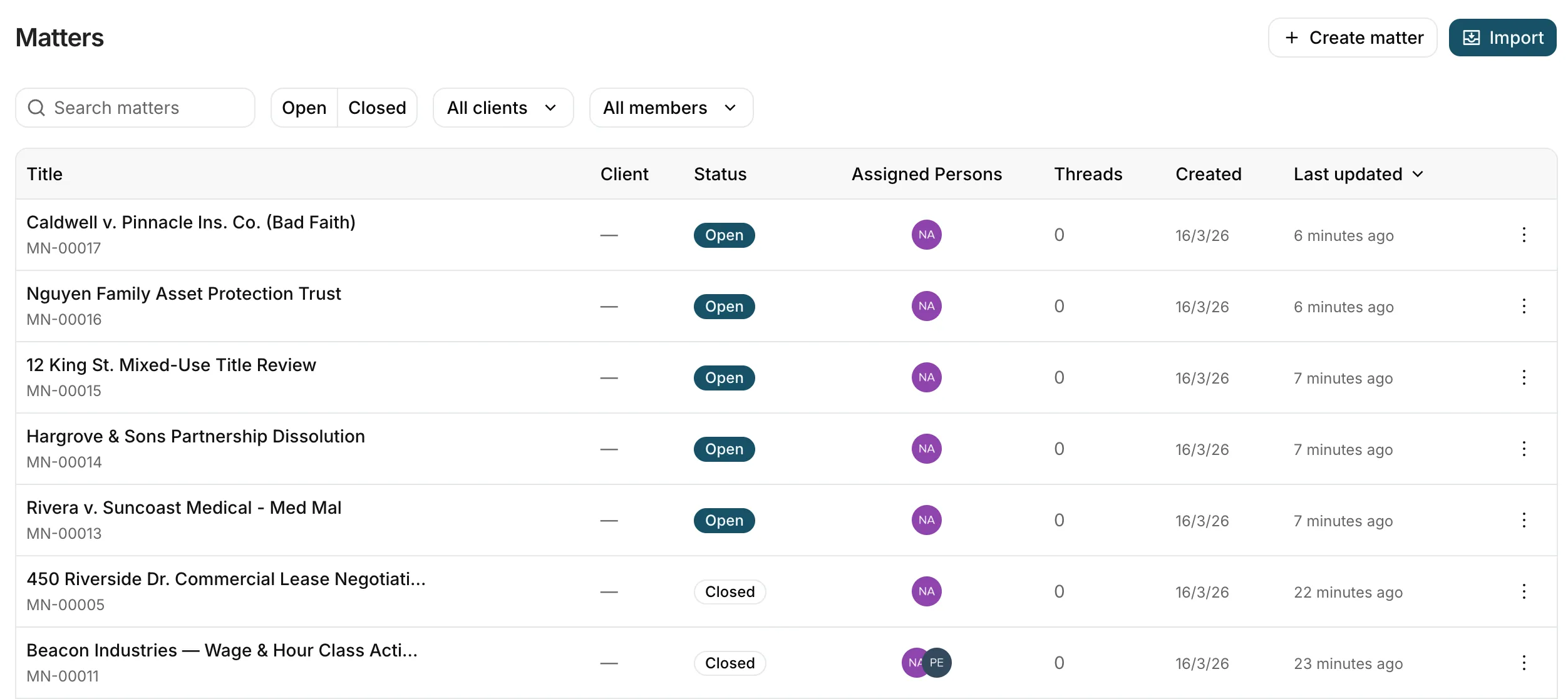
A matter is a container for threads. Each matter has a title, a reference number, and can hold any number of linked threads. The threads themselves work exactly as they always have — you draft documents, run reviews, and ask questions inside them — but now they’re connected under a shared matter.
This is useful when a single piece of work involves multiple conversations. For example, one matter might include a thread for drafting a privacy policy, another for reviewing a vendor contract, and a third for answering client questions — all linked together.
To create a matter:
- Navigate to Matters in the sidebar
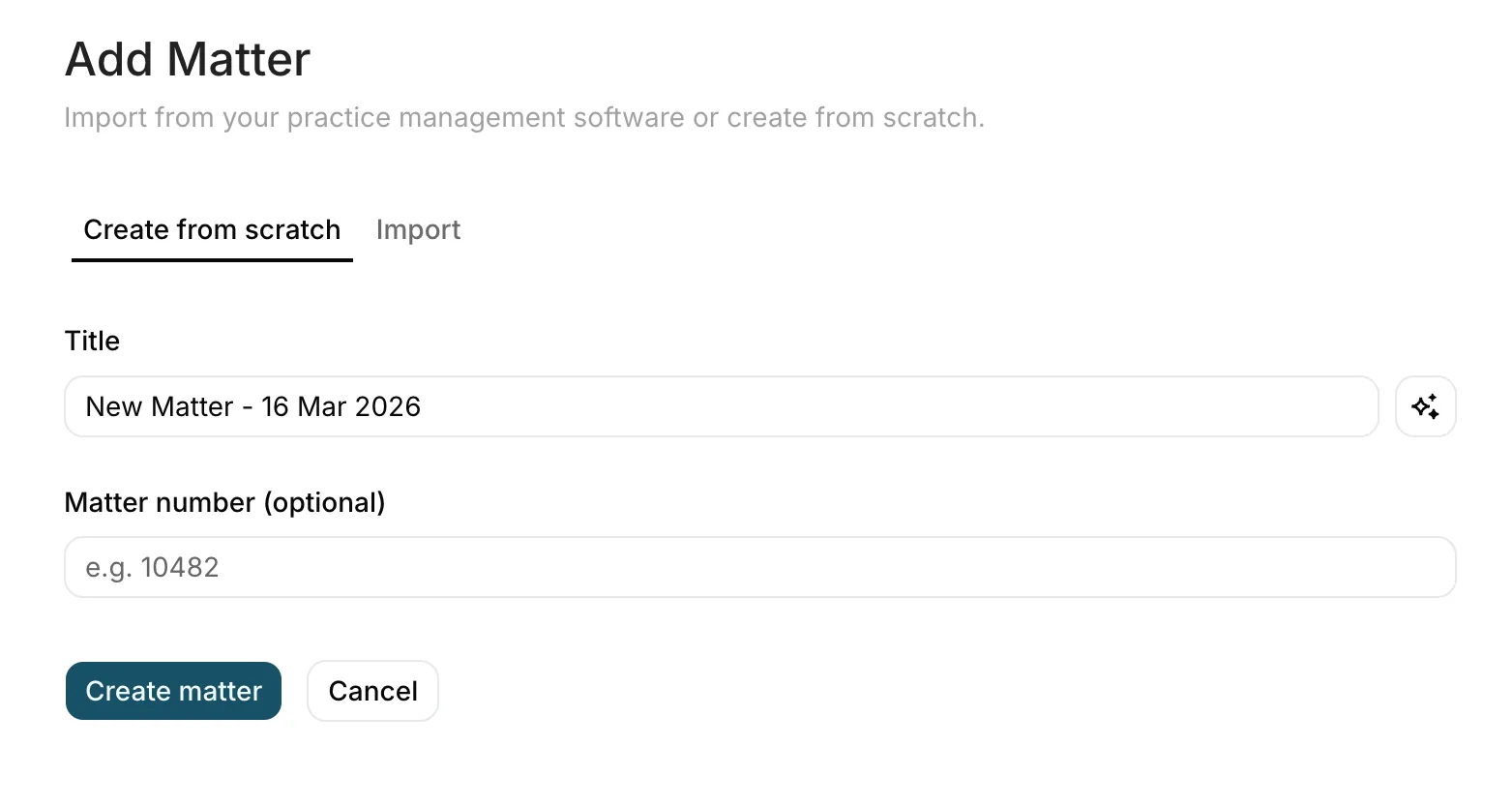
- Click New matter
- Enter a title for the matter
- Optionally add a reference number — if you leave this blank, Parachute generates one automatically (e.g. MN-00001)
- Add any notes relevant to the matter
The title must be unique within your organisation. Notes are a free-text field where you can capture key context, instructions, or background information.
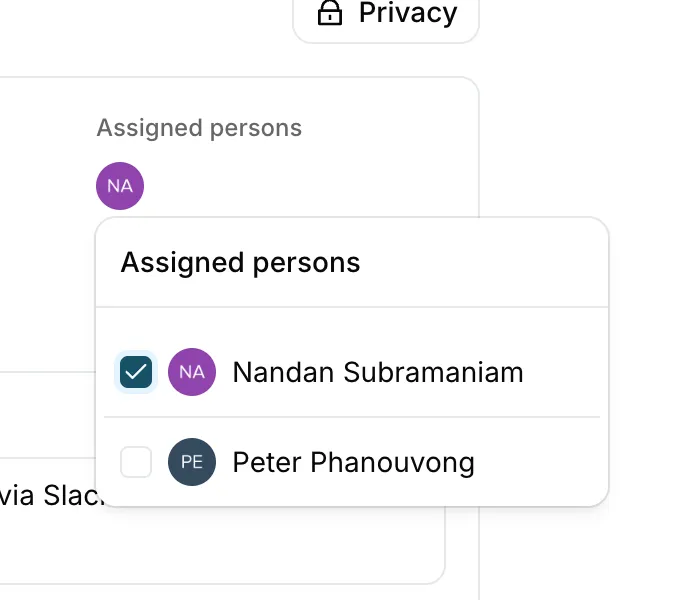
Matters can be assigned to one or more members of your organisation. Assigned members can see the matter and all of its linked threads, making it easy to hand off or share work.
To assign someone:
- Open the matter
- Add team members from the assignment section
- Assigned members receive access immediately
The person who creates a matter is automatically assigned to it.
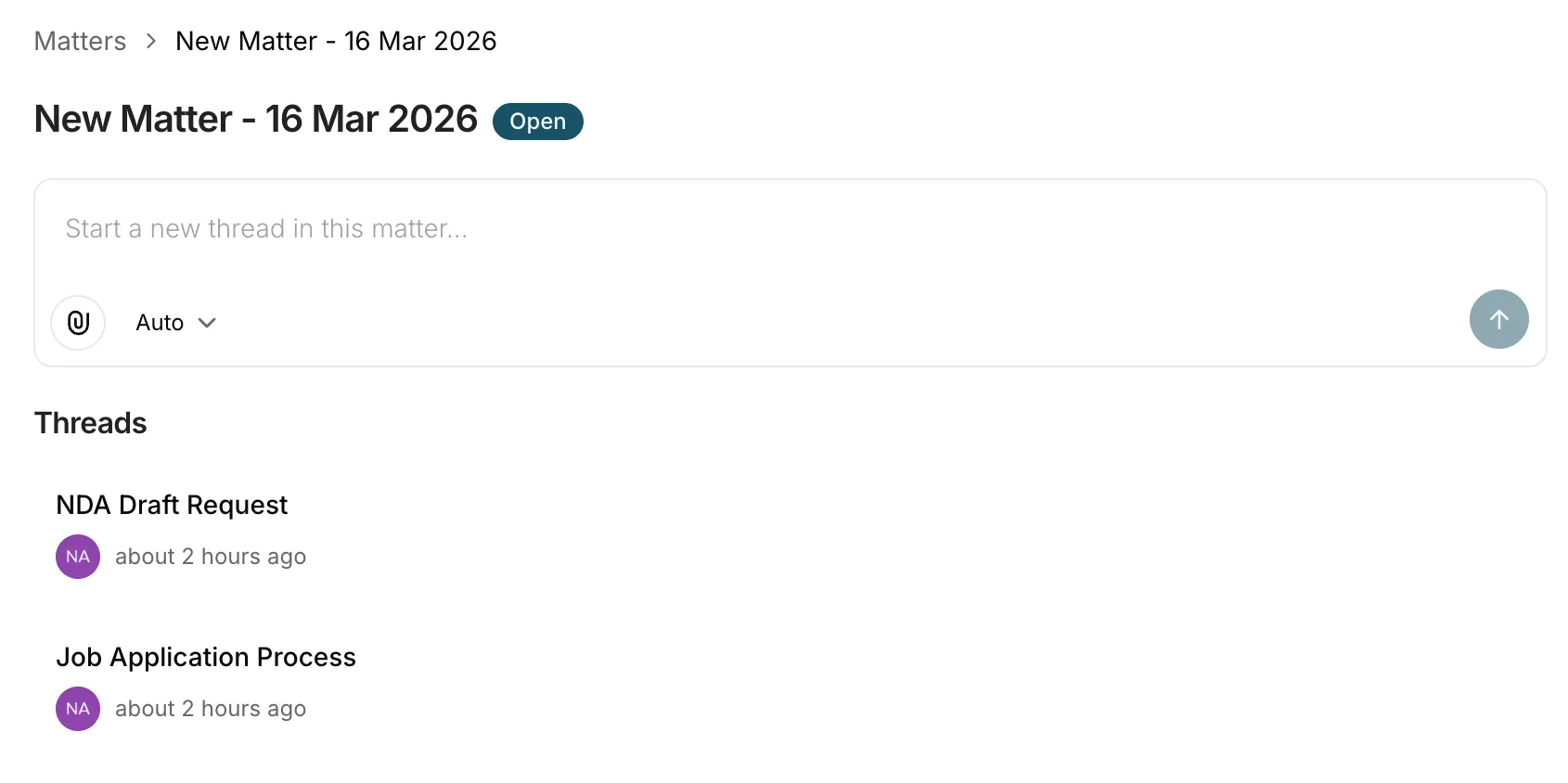
You can link existing threads to a matter, or create new threads directly from within a matter.
- Add a thread — link an existing thread to the matter so it appears alongside related work
- Remove a thread — unlink a thread from the matter without deleting it
A thread can belong to one matter at a time. Removing a thread from a matter doesn’t delete the thread — it just unlinks it.
Matters have two visibility levels:
- Public — visible to all members of your organisation
- Restricted — only visible to the matter’s author, assigned members, and organisation admins
Restricted visibility is useful for sensitive work where only specific team members should have access.
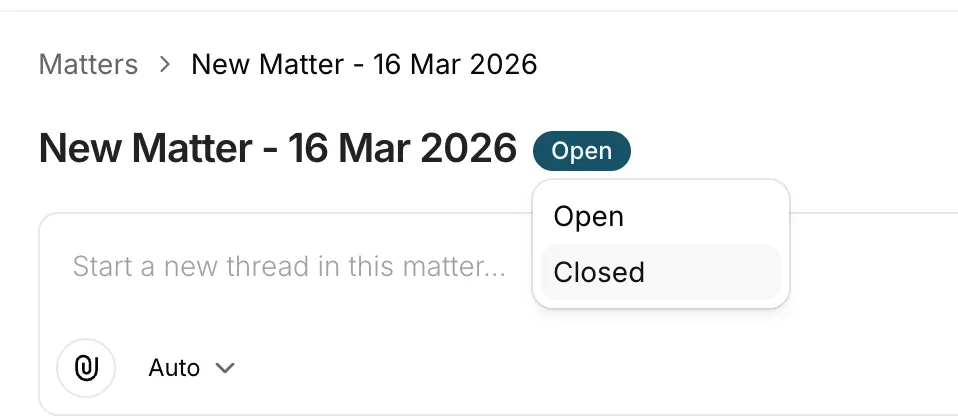
Each matter has a status:
- Open — the matter is active and in progress
- Closed — the matter is complete
You can also archive a matter, which archives all threads and work linked to it.
When a thread is linked to a matter, Parachute’s AI has access to the broader context of the matter — not just the current thread. This means the AI can reference related conversations, documents, and notes from other threads in the same matter, leading to more relevant and grounded responses.
We’re building integrations with popular practice management systems including ActionStep, Clio, LEAP, and Smokeball. Once connected, your matters will sync directly from your practice management software into Parachute — no manual re-entry needed.
- AI Document Drafting — draft documents within matter threads
- Email to thread — forward emails to create threads you can link to matters
- Workstreams — organise matters by practice area
Was this page helpful?